SMS notification
CateringCare can automatically send SMS messages to customers to let them know their delivery is on the way. This helps customers be ready when the driver arrives and reduces failed deliveries.
When messages are sent
Two types of notifications are provided:
- One day before — a reminder sent the evening before, letting the customer know their delivery is scheduled for the next day
- 30 minutes before arrival — a notification sent when the driver is approximately 30 minutes away
How it works
Once SMS notifications are set up, they are triggered automatically. You do not need to do anything manually — the system sends the messages at the right time based on the planned delivery route.
The customer's mobile phone number must be stored in their customer profile for messages to be delivered.
SMS messaging requires a connection to an SMS sending service. This is set up by your system administrator. If notifications are not working, contact your administrator.
Configuring the message text
You can customise the text of the SMS messages that are sent to customers.
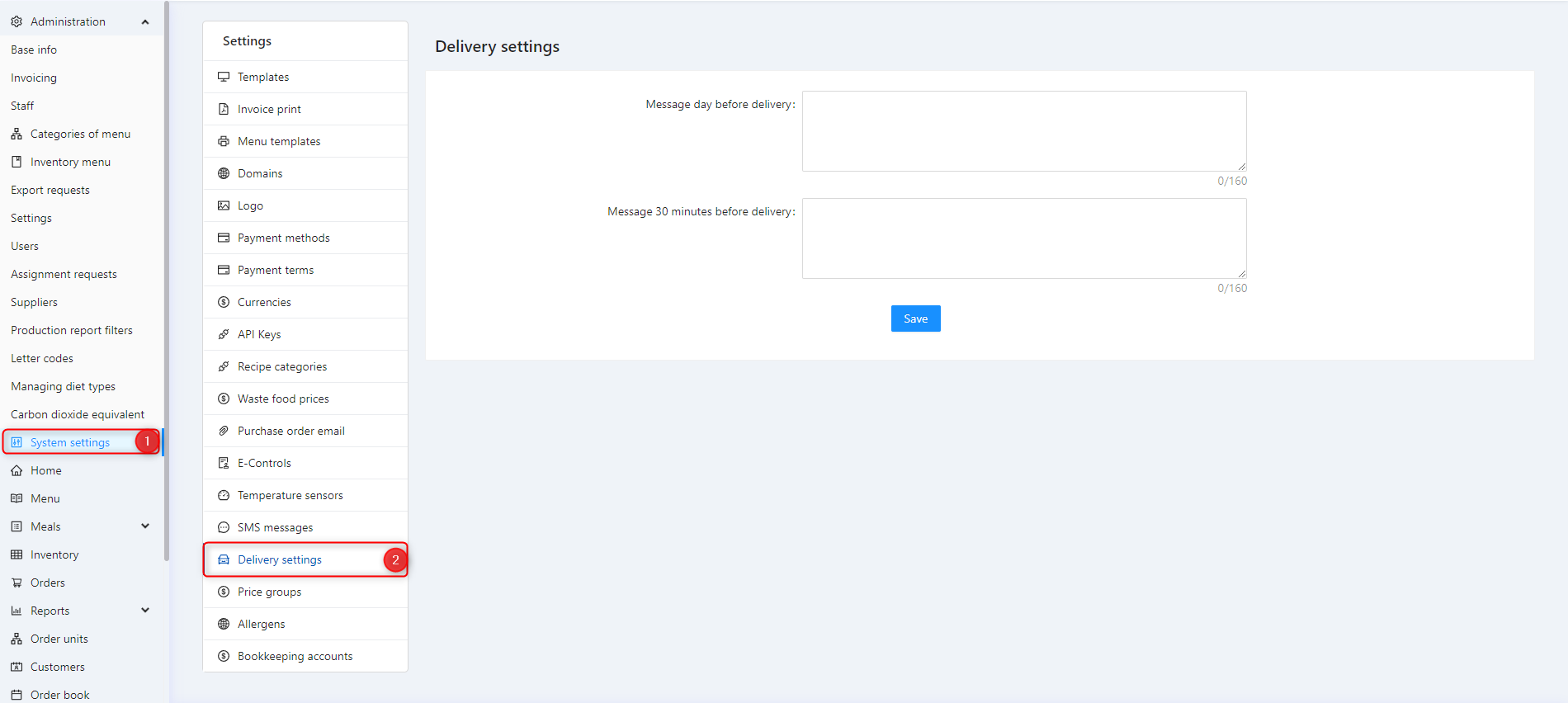
Go to Administration → Delivery settings and scroll to the SMS notification fields:
- Message for day before — the text sent the evening before delivery (e.g. "Your delivery from CateringCare is scheduled for tomorrow between 11:00 and 12:00.")
- Message for 30 minutes before — the text sent just before the driver arrives (e.g. "Your delivery is on its way — the driver will arrive in approximately 30 minutes.")
You can include the customer's name or delivery time in the message using placeholder tags — for example {name} for the customer's name and {time} for the estimated delivery time. Check with your administrator for the available placeholders.
Checking if a message was sent
If a customer says they did not receive a notification, check their profile to confirm:
- A valid mobile number is stored
- The number format is correct (include country code, e.g. +46 for Sweden)
SMS delivery issues (network failures, invalid numbers) are logged in the system's activity log.